
troubleshooting · ceiling fans · maintenance · 7 min read
Why is my ceiling fan wobbling? (and is it dangerous)
The four causes of a wobbling ceiling fan, in the order we'd check them at the counter — plus how to use a balancing kit, and when a wobble means it's time to replace.
By the Hai Guan Seng team, the folks behind the counter on Jalan Besar · 25 Jun 2026
A wobbling ceiling fan is the single most common thing customers walk into our shop worried about. The good news, after 44 years of these conversations: it is very rarely dangerous, and in most flats the cause is one of four things you can identify in about ten minutes.
First: your fan is not about to fall
Let's deal with the fear, because it's the reason most people call. A ceiling fan hangs from a downrod and ball hanger designed to carry many times the fan's weight. The wobble you're watching is usually only a few millimetres at the hub — it just looks alarming because the blade tips magnify it.
What a wobble does mean is that something is out of balance or something has worked loose. Left for months it wears the mount and the motor bearings, and a quiet fan slowly becomes a noisy one. So it is worth fixing — just not worth panicking about.
The four causes, in the order we'd check them
1. Dust — genuinely the most common
In Singapore, blades collect a surprising amount of dust, and they never collect it evenly. A few grams more on one blade than the others is enough to start a wobble at high speed. Before you buy anything or call anyone, turn the fan off, let it stop completely, and wipe every blade — top and bottom, all the way to the tip. The top face is the one everyone forgets and the one that collects the most.
We'd guess close to half the wobbles we're asked about are solved right here, for free.
2. Loose screws
There are two sets that matter: the screws holding each blade to its blade holder (the metal arm), and the screws holding each blade holder to the motor housing. Vibration slowly backs them out. With the power off at the breaker, work around the fan and gently tighten every one — snug, not forced. Overtightening cracks blades, especially wooden ones.
3. A blade or blade holder out of true
Blades must all sit at the same height and the same pitch. To check height, hold a ruler or tape measure from the ceiling down to the tip of one blade, note the number, then rotate the fan by hand and measure each remaining blade at the same spot. They should match within a couple of millimetres.
If one is out, the blade holder is usually bent — often from someone catching it with a pole or a mattress during a move. A bent holder can sometimes be eased back, but a replacement holder is the reliable fix and an inexpensive part.
4. The mount itself
If the fan wobbles at every speed, or you can see the whole canopy moving against the ceiling, stop troubleshooting the blades. That's the hook, the downrod connection or the ceiling box, and it is the one cause on this list that should be looked at by a licensed installer rather than by you.
Safety, plainly: switch the fan off at the breaker before touching anything, use a stable ladder rather than a chair, and have someone hold it. If the canopy or mount is involved, or you are not comfortable working overhead, call a licensed installer instead. It is not worth a fall.
Using a balancing kit
If dust and screws didn't solve it, a balancing kit will. Most new fans ship with one; they also cost very little. The method:
- Clip the plastic balancing clip to the middle of one blade and run the fan at the speed where the wobble is worst.
- If the wobble improves, that's your blade. If it worsens, move to the next blade and repeat.
- On the correct blade, slide the clip in and out along its length until you find the point where the fan runs smoothest.
- Stick the small adhesive weight to the top of the blade at that point, in line with the clip. Remove the clip.
It takes patience — expect twenty minutes and a few attempts. It is also the difference between a fan you notice and a fan you don't.
When it's time to stop fixing and replace
Be honest with yourself about the fan's age. Replace rather than chase the fault when:
- The blades are visibly warped — common on older timber blades in humid flats.
- There's a hum or grinding along with the wobble, which points at the motor bearings.
- You've balanced it and it drifts back out within weeks.
- It's an older AC fan. You're spending money and effort on something a modern DC fan beats on every measure.
That last point is worth the arithmetic. A DC motor uses roughly 70% less electricity than the AC fan it replaces and runs noticeably quieter. And right now the NEA Climate Voucher gives every household S$400 towards one — so a fan priced at S$360 or less is fully covered including basic installation. Replacing a tired, wobbling fan may genuinely cost you nothing.
Not sure whether to fix or replace?
Send us a short video of the fan running and tell us roughly how old it is. We'll tell you honestly whether it's a ten-minute fix or worth replacing — we'd rather you clean a blade than buy a fan you don't need.
Send a video on WhatsAppWobbling fan questions
Is a wobbling ceiling fan dangerous?
In almost every case, no — a fan does not fall because it wobbles. Ceiling fans hang from a downrod and ball hanger rated far above the fan's weight, and the wobble you see is usually a few millimetres exaggerated by the length of the blades. What a wobble does tell you is that something is out of balance or a fixing has loosened, and left alone that will wear the mount and the motor bearings. Get it checked, but don't panic.
Why does my ceiling fan wobble only at high speed?
That's the classic sign of a balance problem rather than a mounting problem. At low speed the imbalance is too small to see; as the blades speed up the out-of-balance force grows and the wobble appears. It usually means one blade is slightly heavier, sits at a different angle, or has collected more dust than the others.
Can I fix a wobbling fan myself?
The two most common causes — dust build-up and loose blade screws — are safe to handle yourself with the power off at the breaker and a stable ladder. Anything involving the ceiling mount, the downrod or the electrical box is work for a licensed installer. If you're not comfortable on a ladder overhead, don't.
Do balancing kits actually work?
Yes, when the problem is genuinely blade imbalance. A balancing kit is a plastic clip and small stick-on weights: you move the clip along each blade to find where the wobble stops, then fix a weight there. It's fiddly but effective. It won't help if the real problem is a loose mount, a bent blade holder or a warped blade.
My fan is old and still wobbles after balancing — replace it?
If the blades are warped, a blade holder is bent, or the motor bearings are worn (you'll usually hear a hum or grinding alongside the wobble), replacing is more sensible than chasing the fault. If the fan is more than ten years old and running on an AC motor, a DC replacement is quieter, uses roughly 70% less electricity, and — priced at S$360 or below — is fully covered by your S$400 Climate Voucher including basic installation.
From our shelves
Fans mentioned in this guide
Authorised dealer stock, full warranty, Climate Voucher accepted on every DC model at the counter.

Bestar
Bestar Duo Hagar DC Ceiling Fan
DC

Acorn
Acorn DC-159 40" / 52" DC Ceiling Fan
DC
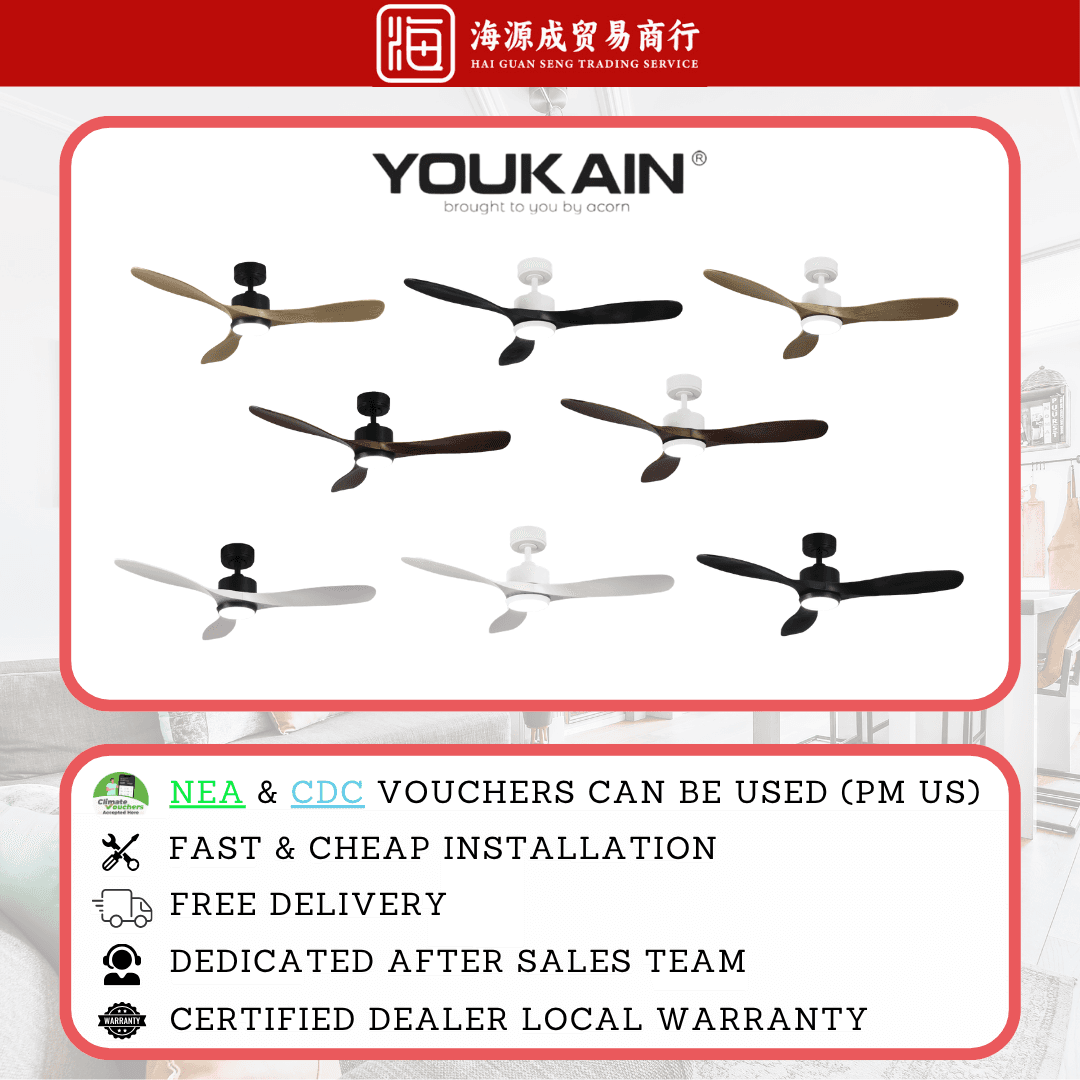
Acorn
Acorn YJ-668 46" / 52" DC Ceiling Fan
DC
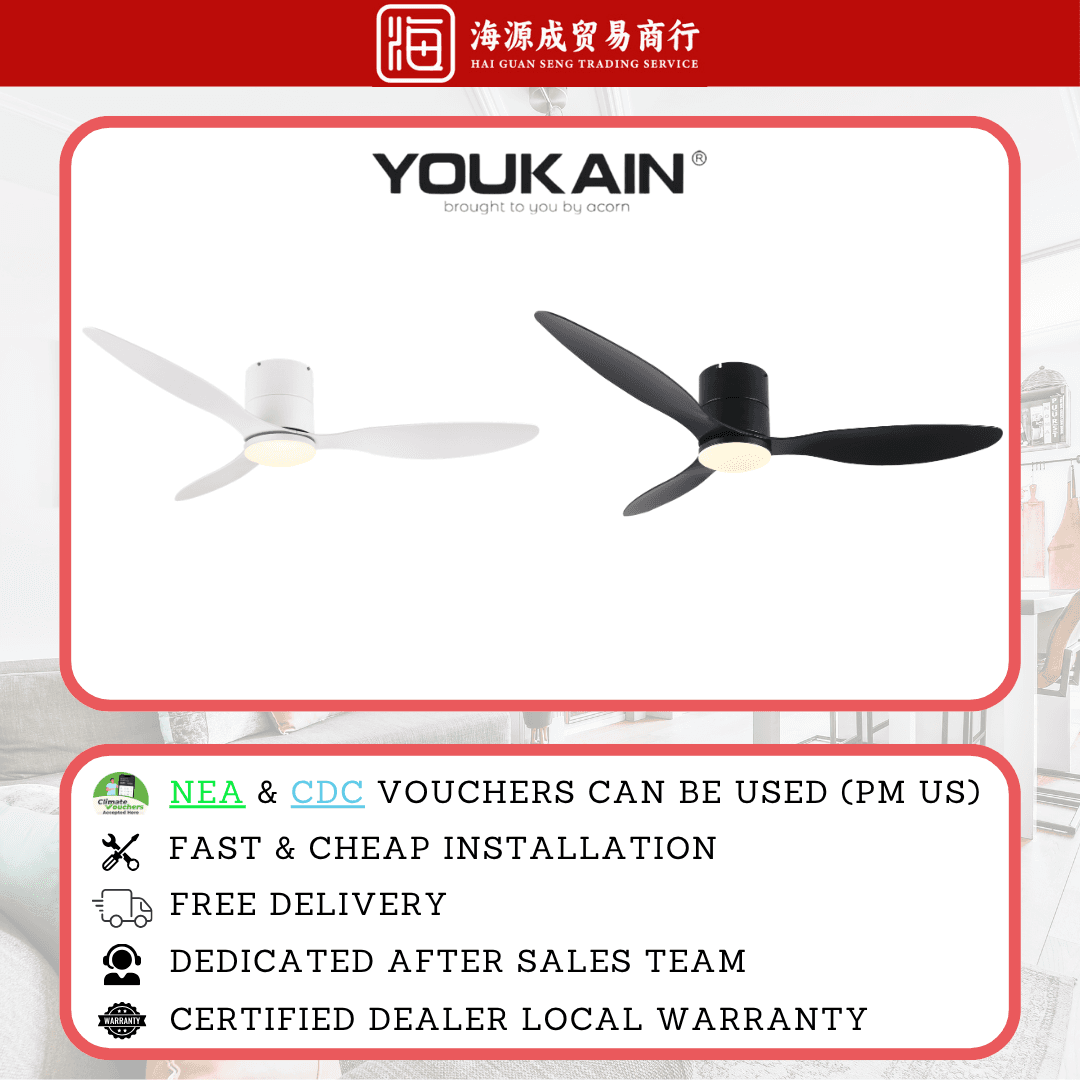
Acorn
Acorn YJ-820H 46" / 52" DC Ceiling Fan
DC
Sorted? If not, ask the counter.
44 years of these questions at 31 Kelantan Lane. WhatsApp us what you are dealing with. A photo or a short video helps. We will tell you straight what it needs, whether or not it means buying anything.