
troubleshooting · ceiling fans · remote · 6 min read
Ceiling fan remote not working: how to fix it
Batteries, re-pairing, interference, and how to tell whether the fault is the remote or the receiver — worked through in the order that solves it fastest.
By the Hai Guan Seng team, the folks behind the counter on Jalan Besar · 25 Jun 2026
A fan that won't respond to its remote is one of the most common calls we get, and it is also the one most often solved in under a minute. Work through these in order — the fixes get progressively more involved, and most people never get past step two.
1. Batteries — and do it properly
We know. But there's a specific trap here worth understanding: a remote can hold just enough charge to light its own LED while no longer having the power to transmit a signal. So “the light still comes on” tells you nothing.
Use a fresh pair from a sealed pack, not a loose one from the drawer, and check the orientation as you put them in. If the contacts look dull or green, clean them with a dry cloth. This is genuinely the answer most of the time.
2. Re-pair the remote to the fan
DC fans pair their remote to the receiver, and that pairing can drop — after a power cut, after work on the DB, or seemingly on its own. Re-pairing is quick:
- Switch the fan off at the wall switch or the breaker.
- Wait about ten seconds.
- Switch it back on.
- Within roughly thirty seconds, press and hold the pairing button on the remote until the fan beeps or the blades twitch.
The button differs by brand — some have a dedicated pairing button, others use a combination such as holding the off button. Your manual has it. If the manual is long gone, send us the model and we'll tell you the sequence.
3. Rule out interference and line of sight
Try the remote from directly beneath the fan, a metre or two away. If it works there but not from the sofa, you have a range or interference issue rather than a fault. Common culprits in flats: a metal pelmet or false ceiling between you and the receiver, and occasionally a nearby router or LED driver.
4. Work out whether it's the remote or the receiver
This is the diagnosis that matters, because it decides whether you need a S$30 part or an installer.
- Fan responds to the wall switch but not the remote — the fan and receiver have power. Suspect the remote first.
- Fan responds to nothing, or behaves erratically — suspect the receiver in the canopy.
- A second remote of the same model works — it's definitely the remote. We can order you a genuine spare.
Stop at the canopy. The receiver sits at the ceiling alongside the mains connection. Replacing it is a licensed-installer job — not because it's difficult, but because it's live wiring overhead. Everything above this line is safe to do yourself; this isn't.
On universal remotes
They exist and they're tempting, but on a DC fan we'd steer you away as a first option. A DC fan's receiver is matched to its motor controller; a universal unit may drive it incorrectly or drop functions like reverse and the timer. A genuine replacement for your model is the safer route, and we keep spares for most of the brands we carry.
When a dead receiver means a new fan
If the receiver has failed, the honest question is the fan's age. Under about five years, replace the receiver — it's a part and an hour's labour. On an older AC fan, that same spend gets you most of the way to a new DC fan that's quieter and uses roughly 70% less electricity. With the S$400 Climate Voucher, any model at S$360 or below is free including basic installation — which frequently makes replacing cheaper than repairing.
Tell us the model, we'll tell you the fix
Send us the fan brand and model (it's usually on a label on the motor housing or in the manual). We'll give you the exact pairing sequence, check whether we stock a spare remote, and tell you honestly if it's worth repairing.
Ask about my modelRemote control questions
My ceiling fan remote stopped working — what's the first thing to check?
Batteries, and properly. A remote can have just enough charge to light its own indicator while lacking the power to transmit, so a lit remote does not mean good batteries. Put in a fresh pair from a new pack rather than a loose one from a drawer, and check the orientation. This is the fix in most cases.
How do I re-pair a ceiling fan remote?
Most DC fans pair by switching the fan off at the wall or breaker, waiting about ten seconds, switching it back on, and then pressing and holding a specific button on the remote within roughly thirty seconds. The button varies by brand — often a small pairing button, or a combination such as fan-off held down. Check your manual, or WhatsApp us the model and we'll tell you the exact sequence.
Can I use a universal remote with my ceiling fan?
Sometimes, but we don't recommend it as a first move on a DC fan. DC fans use a receiver matched to their motor controller, and a universal remote may drive it incorrectly or lose functions like reverse and timer. A genuine replacement remote for your model is safer and usually not much more expensive. We stock spares for most brands we carry.
The remote works but the fan doesn't respond — what now?
That points at the receiver rather than the remote, especially if the fan also stopped responding to the wall switch or behaves erratically. On most fans the receiver sits in the canopy at the ceiling. That's a licensed-installer job, not a DIY one, because it means opening the canopy where the mains connection is.
Do I need to replace the whole fan if the receiver is dead?
Not necessarily. On many models the receiver is a replaceable part and we can order it. Whether it's worth doing depends on the fan's age: on a fan under about five years old, replace the receiver. On an older AC fan, the cost of part plus labour often approaches the price of a new DC fan that is quieter, far cheaper to run, and currently covered by the S$400 Climate Voucher.
From our shelves
Fans mentioned in this guide
Authorised dealer stock, full warranty, Climate Voucher accepted on every DC model at the counter.

Bestar
Bestar Duo Hagar DC Ceiling Fan
DC

Acorn
Acorn DC-159 40" / 52" DC Ceiling Fan
DC

Acorn
Acorn YJ-668 46" / 52" DC Ceiling Fan
DC
Acorn
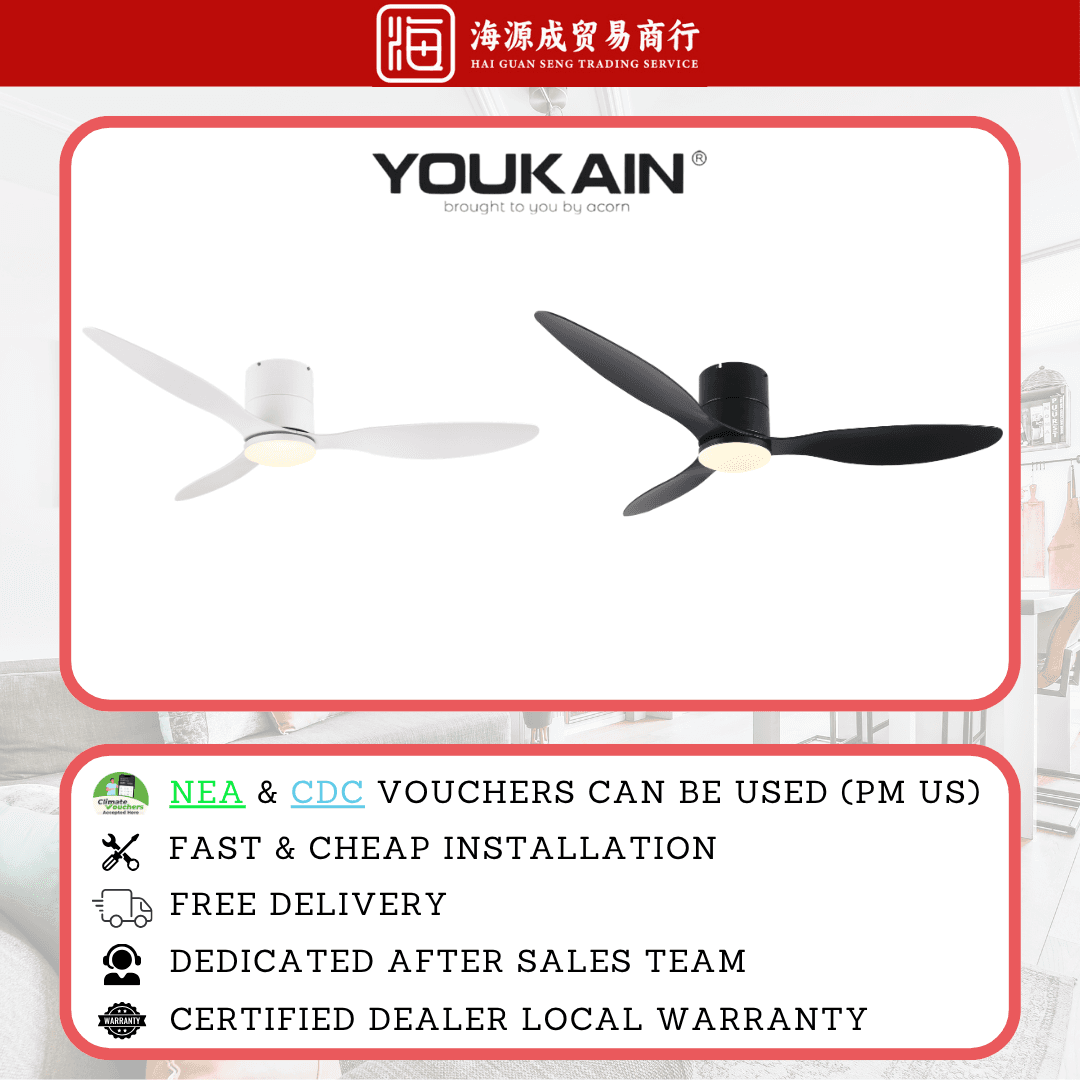
Acorn YJ-820H 46" / 52" DC Ceiling Fan
DC
Sorted? If not, ask the counter.
44 years of these questions at 31 Kelantan Lane. WhatsApp us what you are dealing with. A photo or a short video helps. We will tell you straight what it needs, whether or not it means buying anything.