
troubleshooting · ceiling fans · maintenance · 7 min read
Ceiling fan making noise? What each sound means
Clicking, humming, rattling or grinding — each points to a different fault. How to match the sound to the cause, which you can fix yourself, and which mean the fan is done.
By the Hai Guan Seng team, the folks behind the counter on Jalan Besar · 25 Jun 2026
A ceiling fan should be something you forget is running. When it starts making noise, the sound itself tells you most of what you need to know — different faults make genuinely different noises. Here's how we work it out across the counter, and which ones you can fix yourself.
Match the sound to the cause
Clicking or ticking
Fixable yourselfOnce per revolution, regular
Mechanical and loose. A blade screw, a blade holder tapping the housing, or a light-kit cover that has worked free.
Humming or buzzing
Electrician if newElectrical, changes with speed
Speed controller or motor windings. Normal at low speed on older AC fans; not normal if new or worsening.
Rattling
Usually fixable yourselfLoose, irregular
Light kit glass, a shade, or the canopy against the ceiling. Sometimes the downrod screw.
Grinding or rumbling
Replace the fanRough, deep, gets worse
Worn motor bearings. Not economically repairable on a domestic fan.
Whooshing or air noise
Check blade pitchSteady, only at speed
Often normal — but a blade at the wrong pitch makes it much louder than it should be.
The clicking fan: start here
Clicking is the most common complaint and the most satisfying to fix, because it's nearly always a screw. With the power off at the breaker, work methodically: the screws holding each blade to its holder, then the screws holding each holder to the motor housing, then the light kit and its cover.
Snug is enough. Overtightening splits blades, particularly wooden ones. If the click persists after every screw is checked, look for a blade holder just touching the housing as it passes — that's a slightly bent holder, and a replacement part is inexpensive.
The humming fan: know when it's normal
On an older AC fan, a faint hum at the lowest speed is the speed controller doing its job, and it has probably always been there. That's not a fault.
What is worth acting on: a hum that has appeared recently, one that is getting louder, or any warmth or smell at the wall switch or regulator. Stop using the fan and get a licensed electrician to look — that combination points at the controller rather than the fan.
DC fans largely do away with this. There's no capacitor-based speed control humming away, which is why customers describe them as silent rather than quiet.
The grinding fan: stop and replace
This is the one where we'll tell you honestly not to spend money on a repair. A deep grinding or rumbling that changes with speed means the motor bearings are worn. On a domestic ceiling fan the bearings are not a serviceable part — the labour to open the motor costs more than the fan is worth, and it will not last.
If your fan is grinding, treat it as end of life. The upside is that replacing it right now costs less than it ever has: the NEA Climate Voucher puts S$400 towards a new DC fan, and any model at S$360 or below is free including basic installation.
Before you touch anything: switch off at the breaker, not just the wall switch. Use a proper ladder with someone holding it. Anything involving the ceiling mount, wiring or the speed controller is a job for a licensed electrician.
If the fan is new
A new fan making noise is not something to accept or troubleshoot around. It's nearly always an installation issue — a downrod not fully seated, a mount not properly tightened — and a new fan is covered by the manufacturer's warranty. Get it checked rather than living with it.
Can't place the sound?
Record a few seconds with the fan running and send it over. Noise is much easier to diagnose by ear than by description — we'll tell you whether it's a screw, a controller or a dead bearing.
Send a recording on WhatsAppNoisy fan questions
Why does my ceiling fan hum?
A low electrical hum that rises and falls with speed almost always comes from the speed controller or the motor windings, not the blades. On older AC fans a hum at low speed is normal behaviour from the capacitor-based speed control. If the hum is new, getting louder, or comes with heat at the switch, stop using the fan and have a licensed electrician look at it.
What does a clicking ceiling fan mean?
A regular click once per revolution is mechanical: usually a loose blade screw, a blade holder tapping the housing, or a light-kit cover that has worked loose. Turn the power off and check every screw on the blades, holders and light kit. It is one of the easier faults to fix yourself.
Is a grinding or rumbling noise serious?
Yes — that's the one to take seriously. Grinding, rumbling or a rough sound that changes with speed points to worn motor bearings. Bearings are not economically repairable on a domestic ceiling fan, so this is a replace-not-repair fault. Stop using the fan if the noise is getting worse.
My new fan is noisy — is that normal?
A brand-new fan should be close to silent, especially a DC model. Faint air movement is normal; ticking, humming or rattling is not. If a new fan is noisy from day one it is usually an installation issue — the downrod not seated properly, or a mount that isn't tight — and a new fan is covered by the manufacturer's warranty. Get it checked rather than living with it.
Are DC fans quieter than AC fans?
Noticeably, yes. A DC motor runs without the electrical hum that AC speed controls produce, and it holds low speeds smoothly. Most customers tell us the silence at night is what they notice in the first week — more than the electricity savings. It's also why a noisy old AC fan is often worth replacing rather than repairing.
From our shelves
Fans mentioned in this guide
Authorised dealer stock, full warranty, Climate Voucher accepted on every DC model at the counter.

Bestar
Bestar Duo Hagar DC Ceiling Fan
DC

Acorn
Acorn DC-159 40" / 52" DC Ceiling Fan
DC

Acorn
Acorn YJ-668 46" / 52" DC Ceiling Fan
DC
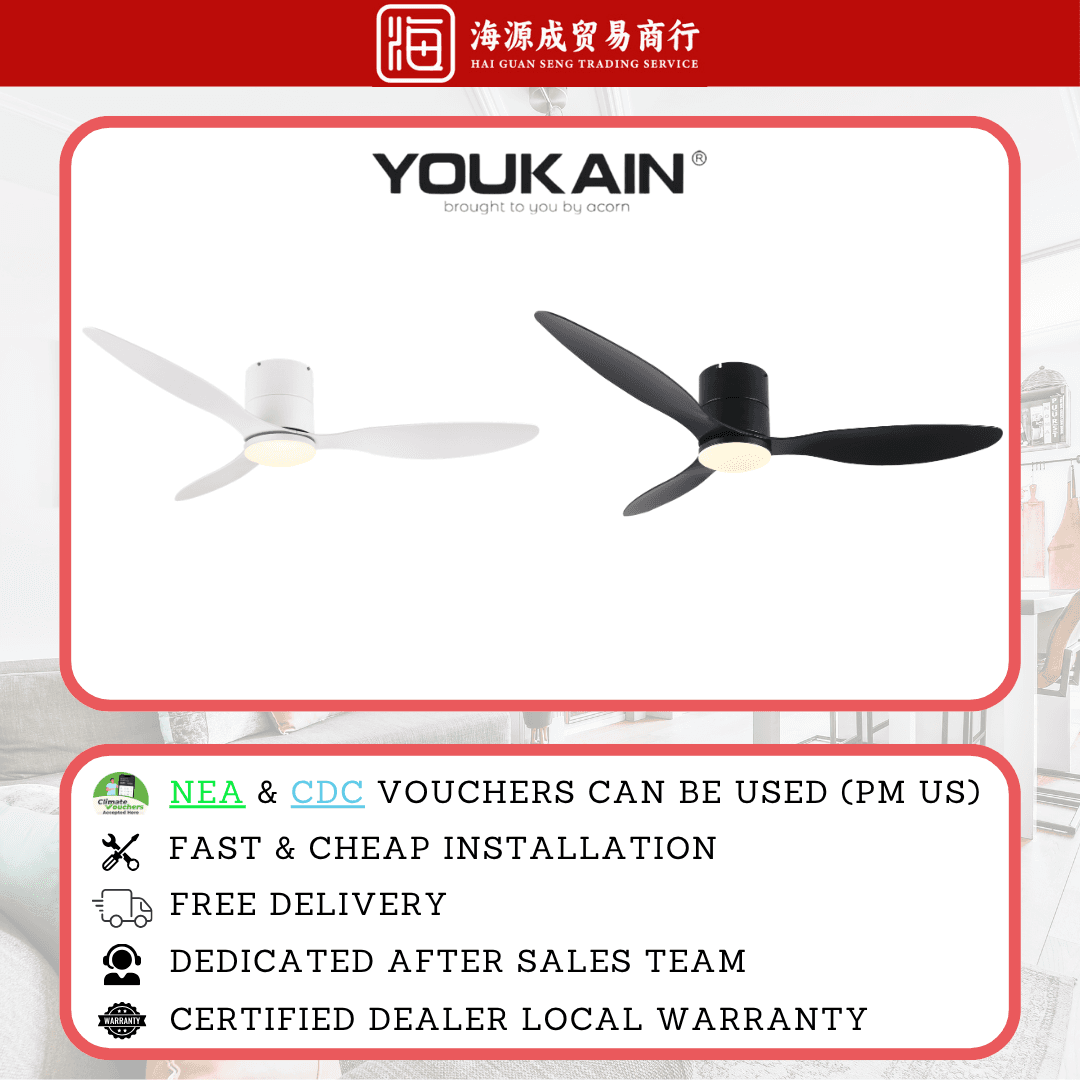
Acorn
Acorn YJ-820H 46" / 52" DC Ceiling Fan
DC
Sorted? If not, ask the counter.
44 years of these questions at 31 Kelantan Lane. WhatsApp us what you are dealing with. A photo or a short video helps. We will tell you straight what it needs, whether or not it means buying anything.